
Best Design tools
Interface, graphics, and prototyping tools.
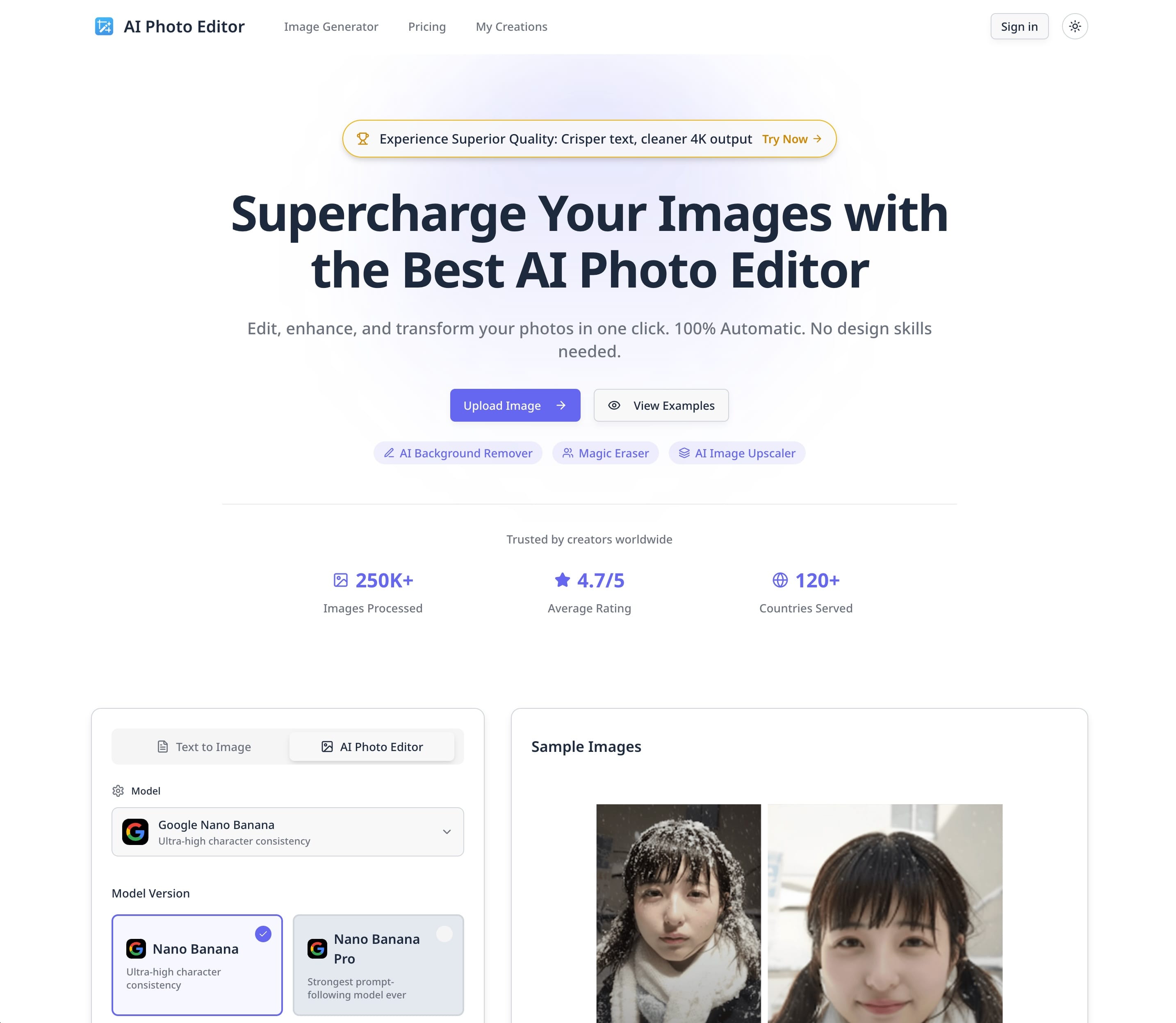
 AI Photo EditorWeb-based AI photo editor for background removal, object erasing, upscaling, and generative image editing. | Yes | Easy | Instant—no installation or setup required |
 Affinity DesignerProfessional vector design app for illustrations, UI, and print-ready artwork. | Yes | Medium | — |
 Affinity PhotoProfessional-grade photo editing application designed for photographers, designers, and creative professionals. | Yes | Medium | — |
 Affinity PublisherProfessional-grade page layout application designed for creating publications, marketing materials, and digital designs. | Yes | Medium | 5-10 minutes |
 After EffectsIndustry-standard motion graphics and visual effects software used by professionals worldwide. | No | Advanced | — |
 AnimateProfessional 2D animation tool designed for creating interactive animations, cartoons, games, and web content. | No | Advanced | — |
 AuraFree online vector editor for creating logos, icons, and graphics with SVG support. | Yes | Easy | Instant (web); download required for Windows desktop |
 AxureUX prototyping tool for interactive wireframes, documentation, and user flows. | Yes | Advanced | 15-30 minutes for installation and initial setup |
 CanvaOnline design and publishing tool for social, presentations, video, and docs. | Yes | Easy | Instant — no installation required; sign up and start designing immediately |
 CaptureMobile application that transforms photos and images into reusable creative assets. | — | Easy | Instant |
 Character AnimatorMotion capture and animation tool designed for both beginners and professionals. | Yes | Easy | Minutes for Starter mode; varies for pro features |
| Yes | Easy | Instant (web-based, no installation required) | |
 DreamweaverWeb design and development tool that enables users to create, code, and manage dynamic websites. | No | Easy | — |
 Experience PlatformTool in the design tools & developer tools space. | No | Advanced | — |
 FigmaCollaborative interface design tool for UI, prototypes, and design systems in the browser. | Yes | Medium | — |
 Fill and SignFill and Sign — creative platform and tools for production teams. | — | — | — |
 FramerDesign and publish tool for marketing sites and interactive prototypes. | Yes | Medium | — |
 FrescoDigital painting and drawing application designed for creative professionals and hobbyists alike. | Yes | — | — |
 GimpOpen-source raster graphics editor for photo retouching and image composition. | Yes | Medium | — |
 GridaOpen design tool bridging canvas editing with developer-friendly code export. | Yes | Medium | — |
 IllustratorIndustry-standard vector graphics software for creating scalable, editable designs. | No | Advanced | — |
 LayersMac design tool for creating illustrations, UI, and marketing visuals. | Yes | Easy | — |
 LottieFilesPlatform for discovering, editing, and shipping lightweight Lottie motion graphics. | Yes | Medium | — |
 LottielabEditor for creating and previewing Lottie animations for product UI motion. | Yes | Easy | — |
 Microsoft ClipchampWeb-based video editor by Microsoft that lets you create, edit, and share videos directly from your browser without downloading software. | Yes | Easy | Instant—no installation needed |


1–25 of 46
Page 1 of 2
How this comparison is built
All 46 published design in the Newtools directory, listed alphabetically unless you sort them otherwise. This page does not rank them: every column is a fact taken from the tool's listing, and "—" means we have not checked that field — not that the answer is no.
Browse design for the full directory view.