

Overview
Canva is an online design and publishing tool for creating visual content — social posts, presentations, videos, documents, and more — with templates and a drag-and-drop editor. Launched in 2013, its mission is to empower everyone to design anything and publish anywhere.
Key features
- Drag-and-drop editor with thousands of templates
- AI-powered design tools (Magic Write, Magic Resize, Magic Animate)
- Photo editing and background removal
- Video creation and editing
- Real-time collaboration on documents
- Canva Docs for visual document creation
- Brand Kit for consistent branding
- Stock library with images and videos
- Mobile app support
- Print-on-demand integration
Pros
- Free tier with substantial features
- Extremely user-friendly interface requiring no design experience
- Comprehensive AI-powered tools for rapid content creation
- Real-time collaboration capabilities
- Extensive template and asset library
- Works across desktop, tablet, and mobile
- Affordable paid plans for additional features
Cons
- Free tier has limited access to premium templates and features
- Some advanced features require Pro subscription
- Reliance on internet connection for web version
- Limited offline capabilities
Use this if
You need to create visual content quickly without design skills, want AI-powered design assistance, need real-time collaboration on documents, or require an affordable all-in-one design solution for individuals or teams.
Skip this if
You require professional-grade design software with advanced customization, need offline-first capabilities, or prefer open-source design tools.
Best for
Creating social media posts and graphicsDesigning presentations and pitch decksMaking videos and animationsEditing photos and removing backgroundsCollaborating on visual documentsSmall business branding and marketingEducational content creation
Alternatives
Adobe Creative SuiteFigmaSketchAffinity DesignerGIMPInkscape
More Design
Compare allView Onlook
Onlook
A free, local-first visual code editor for designers to craft React components on an infinite canvas.

View Mokkit
Mokkit
Create animated device mockups from screenshots in seconds, no design skills needed.
View AI Photo Editor
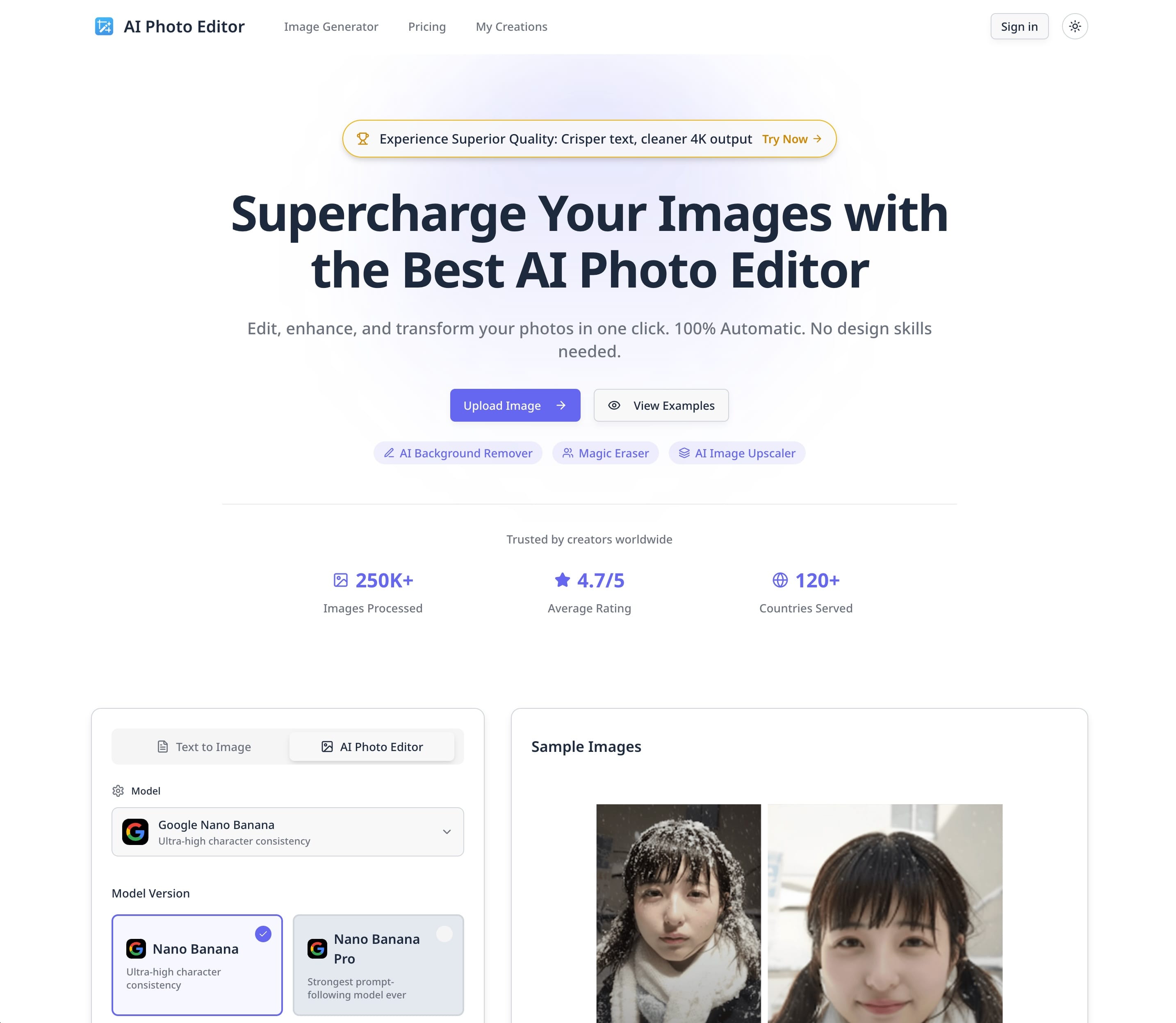
AI Photo Editor
Web-based AI photo editor for background removal, object erasing, upscaling, and generative image editing.