What Is MCP? How AI Connectors Work in 2026
A plain-English guide to MCP connectors, permissions, and the gap between access and safe action.
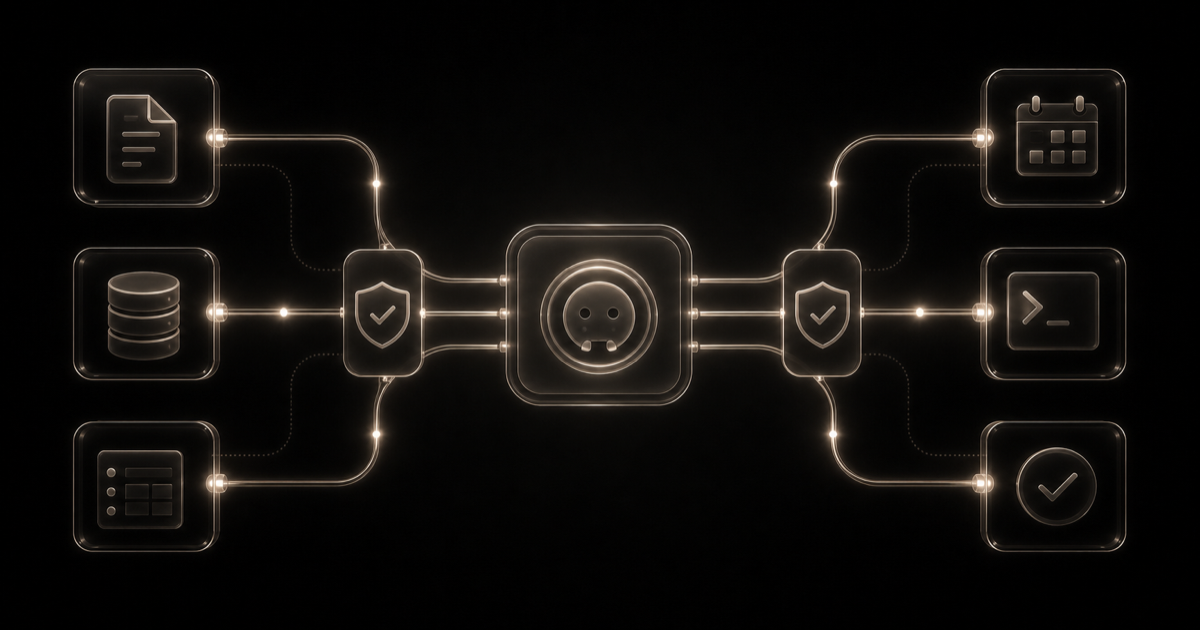
MCP is the reason an AI assistant can move beyond a blank chat box and reach the software where work actually happens. Connect the right server and “help me plan the release” can become a real workflow: read the open issues, check the latest errors, then draft the tasks that are missing.
That sounds simple. It isn't.
Model Context Protocol standardizes the connection between an AI application and outside data or actions. It does not make the connection trustworthy, and it certainly does not make every action safe. Those questions belong to the host, the server, the account permissions, and the person clicking approve.
The short version
- MCP gives compatible AI applications a shared way to reach tools, resources, and prompts.
- “Connector” is a product label. It does not automatically mean MCP.
- Local and remote servers fail in different ways; neither deserves blind trust.
- Safe approval means seeing the exact action and final arguments, not approving a tool forever.
What is MCP, in plain English?
The official introduction compares MCP to USB-C. It is a useful shortcut: one standard connection is better than building a different adapter for every assistant and every piece of software. The analogy breaks at the interesting part, though. USB-C moves data or power after a physical connection; MCP can expose customer records, source code, calendars, deployment controls, and payment actions to a model that can misunderstand a request. Trust still has to be earned elsewhere.
Portability is the prize. A software company can maintain one MCP interface for compatible hosts instead of building a separate agent integration each time. A user can bring Notion, Linear, GitHub, or an internal system into a conversation without pasting the same context into every new chat.
Inside an MCP connection
MCP uses three named parts: a host, a client, and a server. The 2026-07-28 architecture specification says the host creates a separate client for each server connection. One AI application can therefore talk to several services without pretending they are one giant pool of permissions.
| Part | What it is | Example |
|---|---|---|
| Host | The AI application coordinating models, connections, policy, and consent | Claude, ChatGPT, Codex, or an IDE |
| Client | The host component maintaining one server connection | The connection inside the host for a Sentry server |
| Server | A program exposing data or actions through MCP | A local filesystem process or a remote SaaS endpoint |
Say Friday's release is blocked. You ask the assistant why. The host selects a Linear search tool, sends a structured request through the Linear client's connection, and brings the matching issues back into the conversation. So far, it has only read data.
Then you ask it to move one issue into the next sprint. That is a different act with a different consequence. A careful host pauses, shows the proposed change, and asks for approval. MCP carries both calls, but it does not get to decide that the second one is acceptable.
Tools, resources, and prompts are not the same thing
An MCP server can expose tools, resources, and prompts. The distinction matters because “connected” tells you almost nothing about what the assistant can actually do.
- Tools are callable functions. They can search, calculate, query, create, update, send, deploy, or delete.
- Resources provide contextual data, such as a file, database schema, document, or API response.
- Prompts are reusable interaction templates supplied by the server.
A database server might offer its schema as a resource, a restricted query function as a tool, and an example query as a prompt. The client discovers those capabilities before the model uses them.
Read the tool descriptions, but do not worship them. The server wrote those descriptions. Labels such as “read only” and “destructive” are useful hints, not independent proof. Returned content can also contain hostile instructions. None of it should outrank the user's request or the host's policy.
“Connector” is a product label; MCP is a protocol
An AI connector is not automatically an MCP server. Connector is the broad label a product team puts in its interface. MCP server describes an implementation of a particular open protocol. One connector might use MCP, a private API, an embedded app, or several mechanisms at once. OpenAI's current plugin documentation says plugins can package skills and apps, while apps connect ChatGPT or Codex to external data and actions. Claude describes custom connectors that connect to remote MCP servers. Those product surfaces overlap, but their names do not prove protocol compatibility.
| Term | What it tells you | What it does not tell you |
|---|---|---|
| Native connector | The AI vendor offers an integration in its product | Whether it uses MCP or works in another host |
| MCP server | The service speaks a version of the MCP specification | Whether a given host supports every capability |
| Plugin | A packaged workflow or capability bundle | Which protocol each included integration uses |
| API | The software exposes a programming interface | Whether an AI host can discover and call it through MCP |
Before buying software for its AI compatibility, check the host, plan, region, permission scope, read/write behavior, and protocol version. “Has AI integrations” is brochure language, not a useful buying criterion.
Local versus remote MCP servers
A local MCP server usually runs on the user's machine and communicates through standard input and output. This is useful for files, developer tools, and systems that should stay close to the workstation, but the server is still code running locally. A compromised package may inherit access to files, environment variables, commands, or credentials available to that process.
Remote servers commonly use HTTP and are easier to share across web, desktop, and mobile hosts. They introduce another service and data-handling boundary. Anthropic's custom connector guidance warns that third-party servers may access or modify data under the permissions a user grants. The official architecture documentation identifies stdio and Streamable HTTP as the two transport patterns.
The useful question is not “Which is safer?” It is “Which risk am I accepting?” Check who operates the server, where data travels, how identity is delegated, what gets logged, how access is revoked, and who reviews updates.
The July 2026 reset
The final 2026-07-28 specification moved remote MCP from stateful sessions to self-contained requests. According to the official release announcement, it removed the initialization handshake and protocol session ID, added cache hints and routing headers, formalized extensions, and tightened authorization behavior. Most users will never see the change. Operators will: an HTTP request can now reach any compatible server instance without sticky routing or a shared protocol-session store.
Two additions are worth remembering. MCP Apps can put an interactive interface around a tool, and Tasks can keep longer jobs running outside the core request. The release also tightened credential checks. If you operate an older server, there is less pleasant news: Dynamic Client Registration is now on the way out, with Client ID Metadata Documents preferred instead.
It is still a breaking revision. A server that supports 2026-07-28 does not prove your preferred host has caught up, and an older integration may not survive unchanged. Check both ends before migrating.
Does MCP make AI actions safe?
MCP can carry authorization information and structured approval requests. That is useful, but safety still depends on the whole system. The protocol's own security guidance covers confused-deputy attacks, token passthrough, server-side request forgery, local-server compromise, excessive scopes, and authorization mix-ups.
Five controls matter in ordinary use:
- Know the publisher. Prefer the official service or a server whose owner, code, and update path you can assess.
- Start small. Read-only access to one workspace is a better opening move than write access to an entire account.
- Approve the real action. “Allow calendar tool” is vague. “Create this event, for these attendees, at this time” is a decision.
- Keep reads and writes apart. Automatic research can make sense. Invisible changes do not.
- Demand a trail. You should be able to see who called which tool, with what arguments, and what changed.
Prompt injection remains relevant. A document, issue, web page, resource, tool description, or tool result can contain text attempting to redirect the model. Host safeguards help, but they do not turn arbitrary connected content into trusted instructions.
When is MCP worth the trouble?
MCP starts to make sense when you are about to build the same integration for a second host. It also earns its keep when one piece of work jumps across several systems. If neither is true, the protocol may be architecture you do not need.
Useful examples include:
- A support assistant reading product documentation and recent incidents before drafting a response.
- A coding agent checking Sentry, reading a repository, and preparing a patch.
- A research assistant querying an approved database instead of relying on an exported spreadsheet.
- A project assistant reading Linear issues and proposing a priority change without silently applying it.
- A software vendor exposing structured product capabilities to multiple compatible AI hosts.
It is overkill when pasting one public document solves the job. It is also unnecessary when a native connector already provides the right governed workflow, or when the risk of action exceeds the value. A standard can reduce integration work. It cannot make a bad integration worth enabling.
A practical trust check
Do not review an MCP server in isolation. Follow the whole trip: the assistant chooses a tool, the server receives a request, and the connected service acts with someone's account. A familiar logo at one end does not clean up a careless permission decision in the middle.
Before connecting, we would want six answers:
- Who published it? The software vendor is easier to hold accountable than an unknown package author.
- Where does the data go? “Runs locally” and “hosted by a third party” create very different review work.
- What can it read? Name the accounts, workspaces, repositories, and files, not just the OAuth scopes.
- What can it change? Read and write tools should be obvious before the first call.
- Will you see the final action? Consequential arguments belong in the approval screen.
- Can you unwind it? Logs, revocation, and credential rotation matter most after something goes wrong.
For a broader view of why tools and verification change agent performance, read Harness Engineering: Why the Model Is Only Half the Stack. Our ChatGPT vs Claude vs Grok comparison also separates each assistant's connector surface from its model capabilities.
Why this changes software discovery
Software is increasingly judged not only by what a person can do in its interface, but by what an authorized agent can discover and perform. That adds new evaluation questions: Is there a maintained connector? Does it expose read and write scopes clearly? Which hosts support it? Can a team govern it?
Not every SaaS product needs an MCP server. A weak connector with broad permissions can create more risk than value. For plenty of products, a stable API and one excellent native integration remain the better investment.
The durable shift is this: “works with my stack” now includes the people on a team and the agents acting for them. Directories and comparison sites need to separate verified availability from planned support, and native integrations from protocol-compatible ones. A logo grid cannot explain that fit. We think software discovery has to do better.
Frequently asked questions
What does MCP stand for in AI?
MCP stands for Model Context Protocol. It gives compatible AI applications a standard way to find and use outside tools, data, and reusable prompts. Think of it as connection plumbing, not an AI safety system: MCP describes how the pieces talk, while the host and server still decide what is allowed.
Is every AI connector an MCP server?
No. Connector is a broad product label; MCP is one specific protocol. A native connector might use a private integration, an official API, MCP, or a mixture of all three. If portability matters, check the documentation instead of assuming a connector will work across ChatGPT, Claude, Codex, or another host.
Can an MCP server change or delete data?
Yes. If a server exposes write tools and the connected account has permission, it can create, modify, send, deploy, purchase, or delete. A careful host shows the exact action before it runs. The real protection comes from narrow account scopes, trustworthy server code, and approval tied to the final arguments.
Are local MCP servers safer than remote servers?
Not automatically. Local servers keep one network hop out of the picture, but they run code on your machine and may reach files, credentials, or commands. Remote servers add a third-party data boundary. Both models demand a trusted publisher, narrow permissions, a sensible update path, and logs you can inspect.
Do I need MCP to use ChatGPT or Claude?
No. ChatGPT and Claude work without MCP, and many built-in features rely on other integration methods. MCP becomes useful when you want a compatible host to reach outside tools through a standard interface. For most people, an approved native connector is still simpler than installing or operating a custom server.
Sources and method
This guide uses official documentation retrieved on 13 August 2026: the MCP project's introduction, 2026-07-28 architecture, release announcement, security best practices, and official registry; Anthropic's remote connector guidance; and OpenAI's plugin documentation and MCP tool guidance. Product names, host support, and authorization behavior should be rechecked before installation.